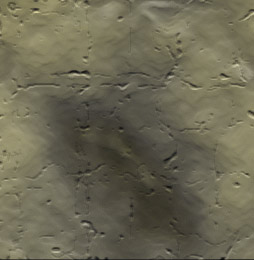
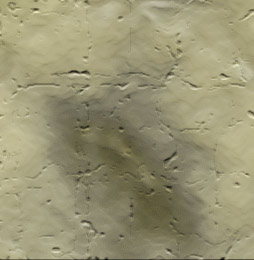
Here’s a few simple steps to create this realistic cracked stone texture.
First start a new document. I started with a preset of 254 x 260.
Next set the Foreground color to #BDE6F3 & Background color to #000000 (Black). (Ultimately, you choose your own varying color swatches, as this effect produces different results but the same effect.)
Next, create a new empty Layer and apply a ‘Clouds’ Filter (‘Filter/Render/Clouds’) to produce a result similar to the below capture.
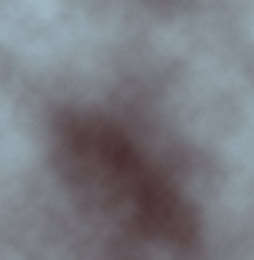
Next, go ‘Filter/Artistic/Plastic Wrap’ and apply the below captured settings.
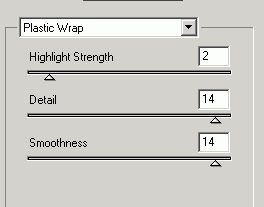
This will generate the below result.
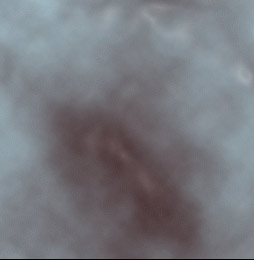
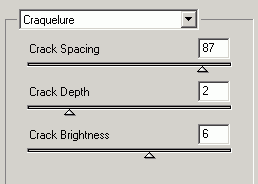
Next, go ‘Filter/Texture/Craquelure’ and apply the below captured settings.
Combined with the above ‘Plastic Wrap’ filter, will generate the below result.
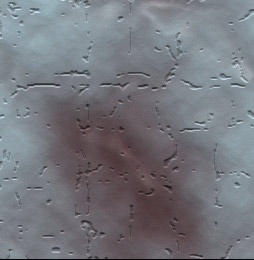
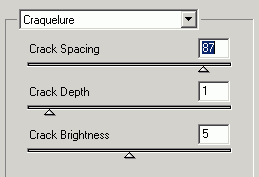
Again, go ‘Filter/Texture/Craquelure’ and apply the below captured settings.
To achieve the below resulting stone surface texture.S
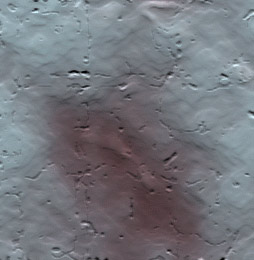
A few more variations