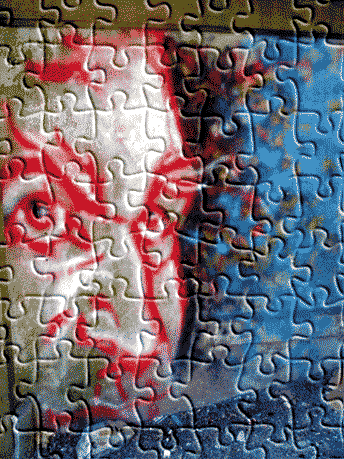
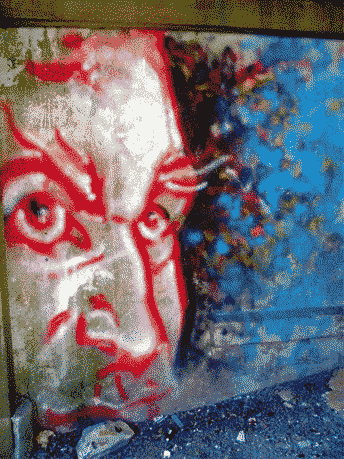
Here’s simple ‘Texture/Pattern’ affect to make your photos look like a puzzle using the below image.
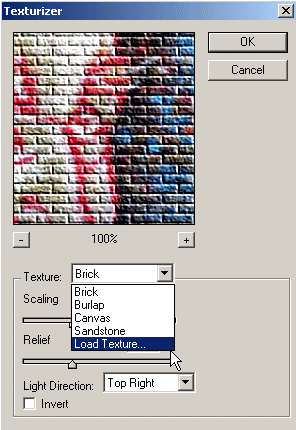
1. Start by going to the ‘Filter/ Texture/Texturizer…‘ option as I have captured below.
2. Then in the ‘Texturizer’ Control Panel select ‘Load Texture’ from the ‘Texture’ drop down list.
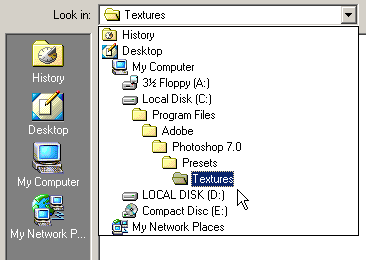
3. Next, browse to your Adobe Photoshop ‘…Presets/Texture’ folder on your hard rive, then locate and select a file called ‘Puzzle.psd’ that should have been installed with the original program.
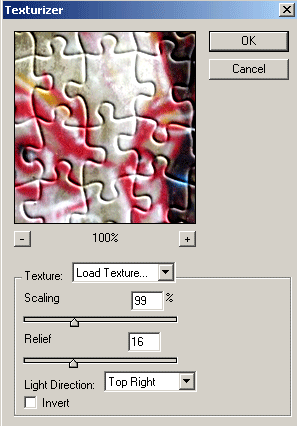
Selecting it automatically loads it back into the ‘Texturizer’ filter panel.
Selecting it automatically loads it back into the ‘Texturizer’ filter panel.
4. Next, toy with the additional settings (‘Scaling/Relief/Light Direction’)in the ‘Texturizer’ control panel until your content with the result.
Here’s the final result.