
Here’s a few simple steps to generate variations of line art from your digital photos.
The source image used in this tutorial is from AbsolutVision.com. Register today for a great high resolution image of the week or for a cost effective monthly or yearly membership.
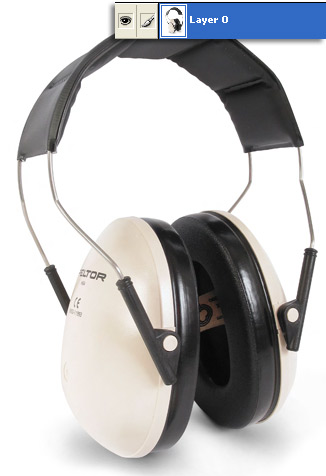
To begin, have the target image layer selected, as I have captured above.
Next, go ‘Filter/Stylize/Find Edges’.
Will produce the following result.
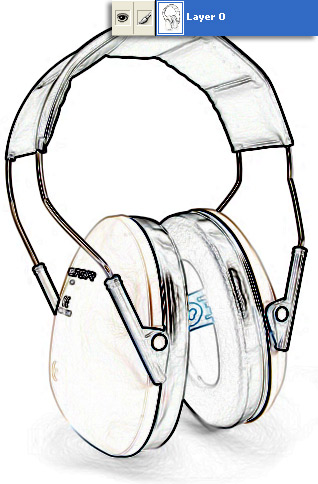
Next, go ‘Filter/Sketch/Photocopy’.
Adjust the ‘Detail/Darkness’ sliders for a desirable smooth line edge.
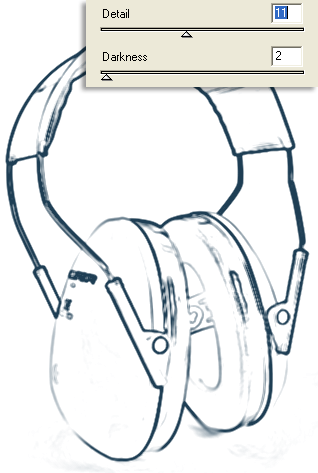
Resulting image.
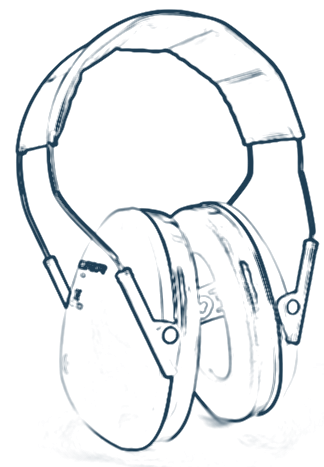
Other Samples:
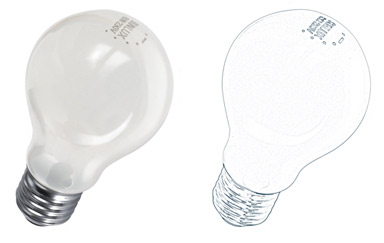
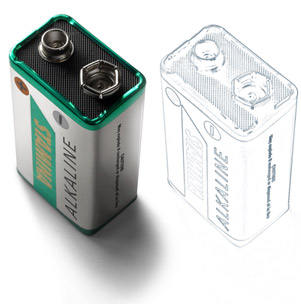
Summary:
1. ‘Filter/Stylize/Find Edges’
2. ‘Filter/Sketch/Photocopy’