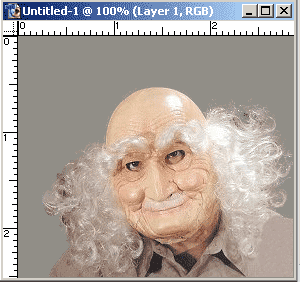
Open image of choice in Photoshop, particularly one with a fine/wavy hair line.
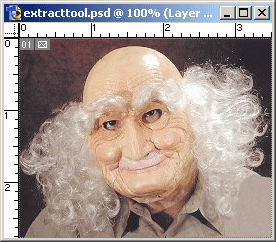
-
Choose Filter/Extract or Ctrl + Alt + X to load the Extract Window.
Click Here to see image. -
Select the Highlighter Tool and paint around the edge of the hair line.
Choose the Red Color Fill and a reasonable brush size of 4.
Zoom in to capture those hard to see fly-away’s, Shift + -(symbol) to Zoom out again.
Click Here to see image. -
Then use the Fill Tool to fill the areas you want to retain. Have the Fill color set to blue.
Click Here to see image. -
Presto! An easy extraction for such a complicated picture.
I’ve added a neutral background color so you can see the contrast/difference.