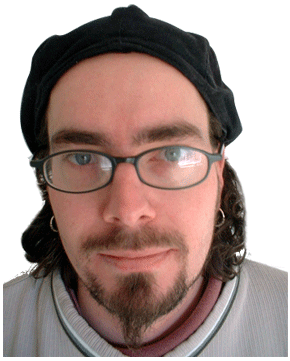
Here’s a simple trick to create a colored pencil sketch effect. First, open the image you want to ‘pencil sketch’. (Me)
-
If your using Photoshop 7, use a ‘Layer Set’ for organization.
Next duplicate, the original photo/image layer( I called mine ‘original’), keeping the original visible below the copy layer.
Select the ‘original copy’ layer, then go to ‘Image/Adjustments/Invert’.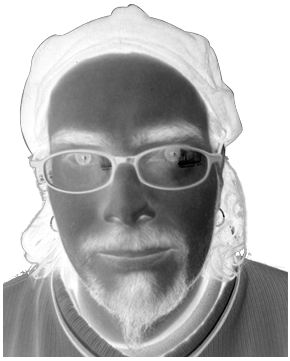

Above is what your ‘Layers Palette’ would look like, and below is the ‘Desaturated’ image.
-
Now, Select that ‘inverted’ layer, in the ‘Layers Palette’, and from the ‘Blending Modes’ drop down list, choose ‘Color Dodge’.
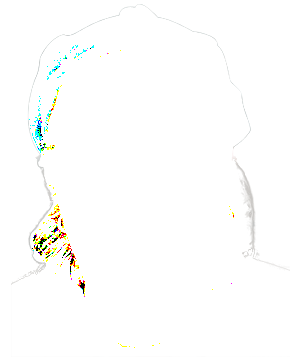
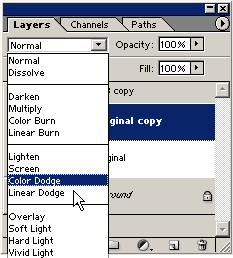
Above is what your ‘Layers Palette’ would look like, and below is the ‘Color Dodge’ image.
It should be mostly white. (Mine is not, only because I previously cut the background out of the image.) -
Finally, have the ‘Color Dodge’ layer (‘original copy’) selected and go to ‘Filter/Blur/Gaussian Blur’ and toy with the ‘Radius’ integer. In this case, a ‘radius’ from ‘1-9’ worked best. Anything after that it just restored the image back to what it looked like when we desaturated it.